
This online training took place on Tuesday 23rd April. It is intended to guide you through the DAC section of the Diocesan Portal and making applications.
This online training took place on Tuesday 30th April.
Recording of the presentation on the DAC section
This recording includes creating a new case, editing a case and making external consultations.
Timestamps in the video description:
1:05 Editing an existing case,
4:26 Start a new case,
11:51 External consultations
Notification of Advice and completing the Public notice
This recording guides you through what to do after the Notification of Advice has been issued, and how to complete the Public notice.
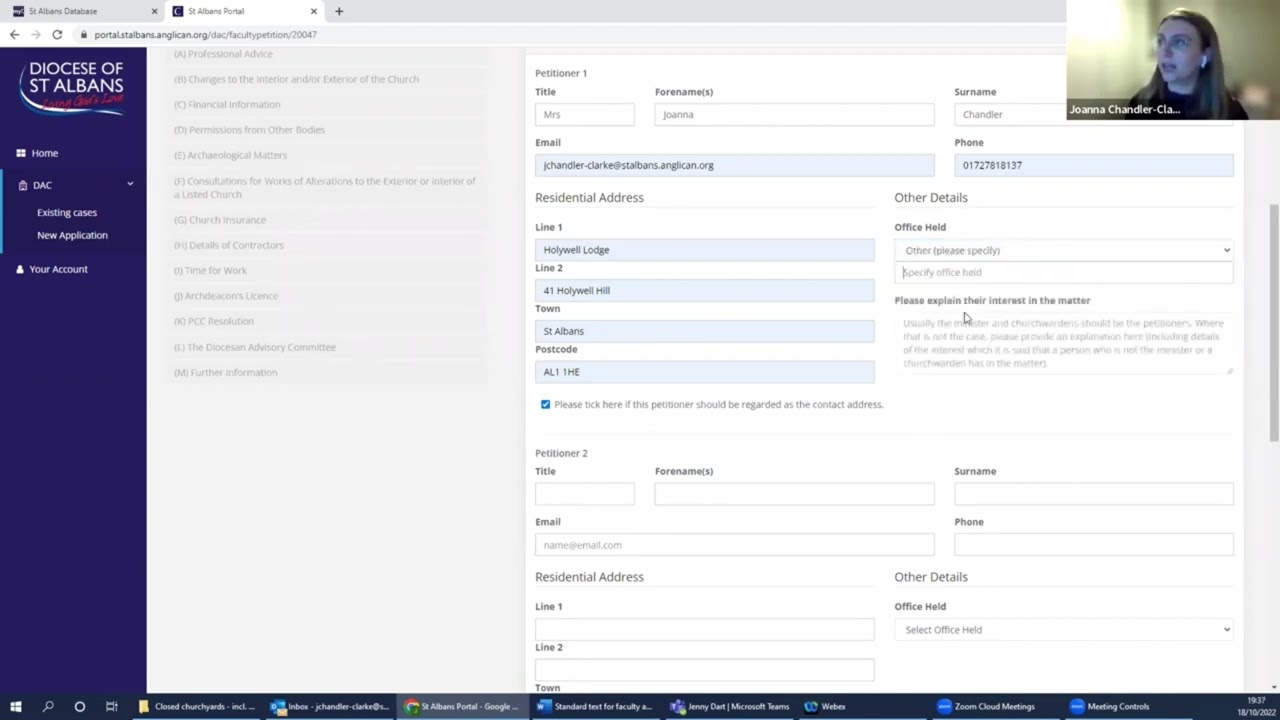
Timestamps in the video description:
00:33 Faculty Notification of advice,
5:17 Public notice
Completing the Petition Form
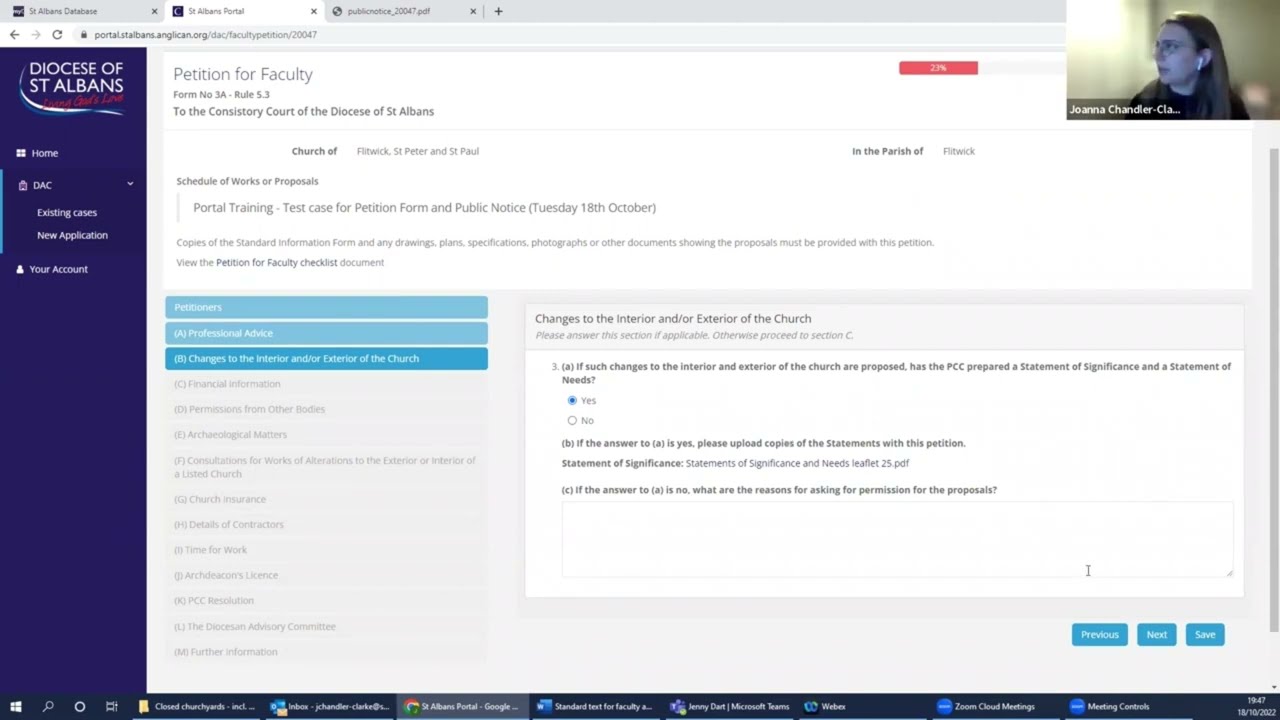
This recording guides you through the various stages and questions to complete the Petition Form (Form 3). This wasn’t shown during the training but is intended to be viewed when needed as it is step-by-step.
Previous training
Some of these recordings were taken from a previous training session. You can see that and the Online Portal User guide on our website.